
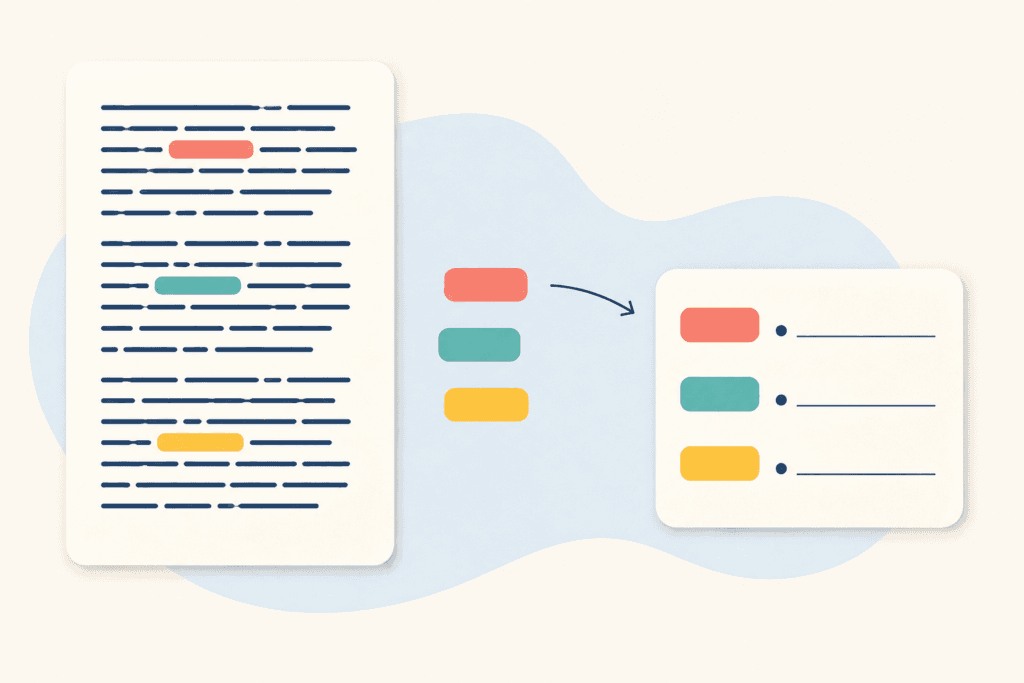
AI can generate fifty vocabulary words in seconds. A good vocabulary lesson usually teaches far fewer.
The challenge is not finding words. It is selecting the words students actually need, showing how they work in context, helping students retrieve them repeatedly, and creating reasons to use them in speaking and writing.
The tools in this guide support different parts of that process. They are evaluated from a teacher’s perspective: Can the teacher control the word list? Does the tool show phrases and context rather than isolated definitions? Can students review independently? Does the vocabulary return to meaningful classroom use?
The Best Tools at a Glance
| Tool | Best for | Main role |
|---|---|---|
| Diffit | Extracting and supporting vocabulary from a source text | Select and scaffold |
| Twee | Creating ESL vocabulary activities and collocations | Teach and practice |
| Quizlet | Repeated retrieval and independent review | Remember |
| ChatGPT | Customized examples, contrasts, and communicative tasks | Clarify and use |
| EnglishCentral | Learning vocabulary through video and speech | Hear and produce |
A Better Vocabulary-Learning Cycle
Before comparing tools, it helps to define what students need to do with a new word.
- Meet it: Hear or read the word in a meaningful context.
- Understand it: Connect the form to a clear meaning, image, example, or first-language equivalent.
- Notice it: Examine pronunciation, spelling, word family, collocation, or grammar pattern.
- Retrieve it: Recall the word without simply copying it.
- Use it: Speak or write something personally meaningful.
- Meet it again: Recycle it across later lessons.
No single tool handles every stage equally well. Most teachers need one tool for preparation and, at most, one tool for student review.
1. Diffit: Best for Vocabulary from a Reading Text
Diffit is useful when vocabulary should come from a text rather than an AI-generated topic list. Add a source, choose the appropriate level, and Diffit can produce an adapted reading with key vocabulary, definitions, visual supports, context clues, and related activities.
This helps teachers avoid a common mistake: pre-teaching every unfamiliar word. AI may identify many difficult items, but the teacher should keep only those that are essential for understanding the text or useful beyond one reading.
Best classroom use
- Generate the resource from a worthwhile source.
- Choose five to eight target words.
- Remove words students can infer or safely ignore.
- Check definitions and images.
- Teach the words before or during reading.
- Reuse them in discussion or writing afterward.
Diffit is particularly helpful in mixed-level classes because the same topic can be supported at different reading levels. The target vocabulary does not need to be identical for every group.
Limitation
Automated word selection may prioritize uncommon words that appear in the text over high-value phrases students will use again. The teacher must make the final selection.
Best for
Reading-based vocabulary, multilingual learners, and mixed-level classes.
2. Twee: Best for Vocabulary Activities and Collocations
Twee includes tools for essential topic vocabulary, extracting vocabulary from a text, identifying collocations, matching words and definitions, creating gap fills, and generating texts or sentences with target language.
The collocation tools are especially valuable. Knowing the word decision is less useful than knowing make a decision, difficult decision, and final decision. Phrases make vocabulary easier to use accurately.
A practical lesson sequence
Suppose students are learning six phrases for travel problems. The teacher can use Twee to create:
- a short dialogue containing the phrases;
- a meaning-matching task;
- a gap fill with new contexts;
- a role-play in which students must use three phrases.
The activities should not all test recognition. Matching and gap fills are preparation; the role-play or writing task shows whether students can retrieve the language.
Limitation
AI-generated definitions, collocations, and example sentences may be unnatural or use a different meaning of the word. Provide enough context in the prompt and review every item.
Best for
Teachers who already know the target vocabulary and want a connected practice sequence.
3. Quizlet: Best for Retrieval and Independent Review
Quizlet lets teachers create and share study sets, while students review through flashcards, practice questions, and quizzes. AI can speed up set creation from existing material, but the quality still depends on what the teacher includes.
A useful ESL set should contain more than word–translation pairs. Depending on the level, include:
- a simple definition or accurate first-language equivalent;
- one natural example sentence;
- a common phrase or collocation;
- audio when pronunciation matters;
- an image only when it communicates the correct meaning.
Keep sets manageable. Ten carefully selected items recycled over a week are usually more useful than thirty words studied once.
Quizlet works well for homework and short review at the beginning of class. It should feed back into a communicative task: students use the reviewed words to describe, compare, solve, recommend, or tell a story.
Limitation
Flashcard success can create an illusion of mastery. Recognizing the correct definition is easier than producing the word in conversation.
Best for
Independent retrieval practice after vocabulary has been taught in context.
4. ChatGPT: Best for Customized Examples and Word Choice
ChatGPT is useful when a teacher needs examples for a specific age, profession, location, or level. It can compare near-synonyms, generate short dialogues, sort words by usefulness, or create a task that requires target vocabulary.
A focused prompt produces better results than “Teach these words.”
ChatGPT is also helpful for explaining differences such as job versus work, or borrow versus lend. Ask it to explain the contrast at the learner’s level and provide examples, then verify the answer with a reliable dictionary or corpus.
For young learners and beginners, use ChatGPT mainly as a teacher-preparation tool. Open-ended student chats can introduce too much new language and distract from the target set.
Limitation
ChatGPT can invent awkward collocations, inaccurate usage notes, or examples above the requested level. It is a drafting tool, not a vocabulary authority.
Best for
Tailored contexts, word-choice explanations, and communicative follow-up tasks.
5. EnglishCentral: Best for Vocabulary in Video Context
EnglishCentral connects vocabulary to short videos. Students watch, identify words, complete activities with lines from the video, and speak the language with automated feedback.
This allows students to hear how a word sounds inside a sentence and see the speaker and situation. It is particularly useful for multiword expressions, conversational phrases, and learners who remember language better through audiovisual context.
Best classroom use
- Select one short level-appropriate video.
- Choose a small number of useful words or phrases.
- Let students replay the lines where they occur.
- Practice saying the complete phrase, not only the individual word.
- Use the language in a new classroom situation.
EnglishCentral can support individual practice in a computer lab, as homework, or before a private lesson. Younger learners and adults with limited digital skills may need a teacher to demonstrate the sequence first.
Limitation
Students may complete video exercises without transferring the vocabulary to a new context. The teacher must add the final use stage.
Best for
Listening-based vocabulary, pronunciation in context, and independent video practice.
Which Tool Fits Your Teaching Context?
| Teaching need | Best starting point |
|---|---|
| Vocabulary from an article or course text | Diffit |
| A complete activity sequence around chosen words | Twee |
| Homework and repeated retrieval | Quizlet |
| Vocabulary for a specific job, topic, or student | ChatGPT |
| Hearing and speaking vocabulary in context | EnglishCentral |
| Young learners | Teacher-created activities before independent apps |
| Mixed-level class | Diffit plus different target sets |
How Many Words Should You Teach?
AI encourages teachers to generate more content than students can learn. Set a smaller target:
- Young beginners: about four to six new items in one lesson;
- Older beginners and elementary learners: about six to ten;
- Intermediate learners: about eight to twelve, including phrases and collocations;
- Advanced learners: fewer isolated words and more attention to nuance, register, and word partnerships.
These are practical starting points, not strict rules. Reduce the number when the words are abstract, difficult to pronounce, or completely unfamiliar. Increase recycling before increasing the list.
A Simple Weekly Vocabulary Routine
- Day 1: Meet the words in a reading, video, dialogue, or real situation.
- Day 2: Retrieve meaning and notice pronunciation or collocations.
- Day 3: Use the words in structured speaking or writing.
- Day 4: Review through Quizlet or a short teacher-made activity.
- Next week: Bring several words back in a new context.
Track which words students can use, not only which sets they have completed.
Final Recommendation
Choose Diffit when vocabulary begins with a source text, Twee when you need a sequence of ESL activities, and Quizlet for independent retrieval. Use ChatGPT to create relevant examples and communicative tasks, and EnglishCentral when students need to hear and speak vocabulary in video context.
The best AI vocabulary tool does not produce the longest list. It helps the teacher select fewer, more useful words and gives students repeated opportunities to understand, retrieve, and use them.
Official plan information: Diffit · Twee · Quizlet · ChatGPT · EnglishCentral